From a customer problem to production Android XML
Every feature now gets a working AI prototype the team can try before development, and ships as Android XML on our design system.
- My role
- Design and prototype; the developer wires the data
- Built with
- Claude · Codex · Claude Design · Figma Make
- Example
- Split Payment
Pixel-perfect first, edge cases later
Every feature started as a pixel-perfect Figma design, then went for approval and stakeholder talks. When we changed an existing feature or added a new one, edge cases were often missed.
Read the code first, then let people try it
AI reads the live code before any design work. A quick prototype then lets the team try the idea before anyone polishes pixels.
Five steps from problem to production code
A PRD, customer insights and Amplitude go in. Production Android XML comes out, and results after launch feed the next round.
The orange diamonds. AI never passes a gate on its own.
Feeds both the prototype and the code, so they match.
A "No" at a gate loops back.
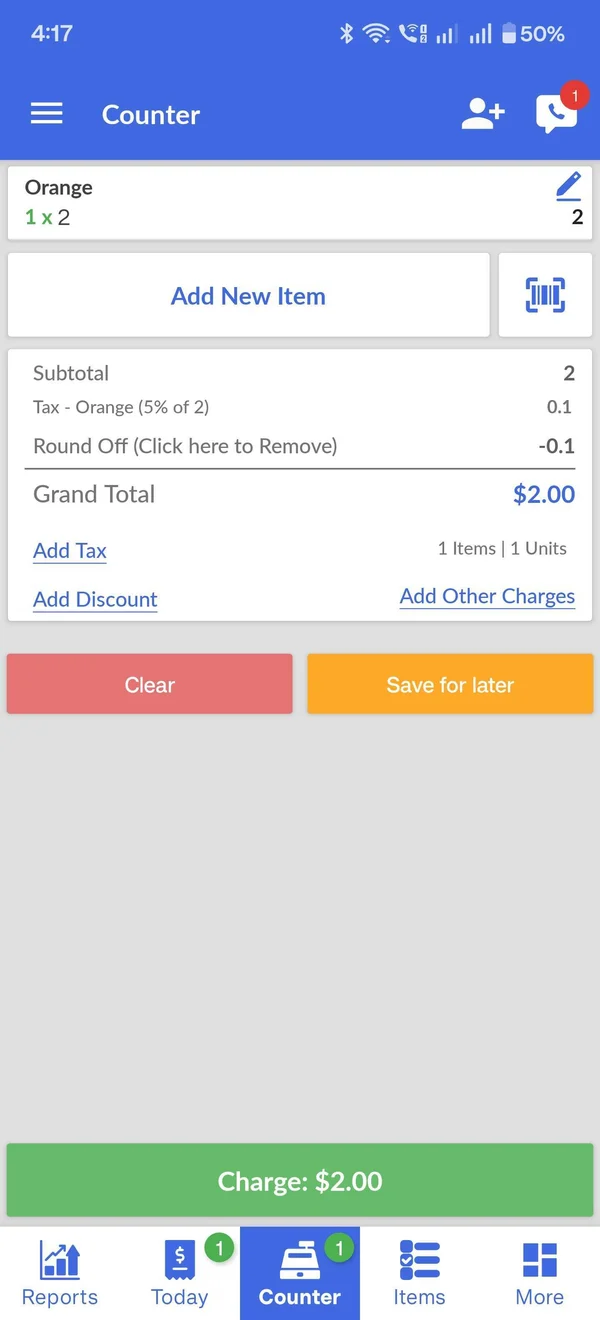
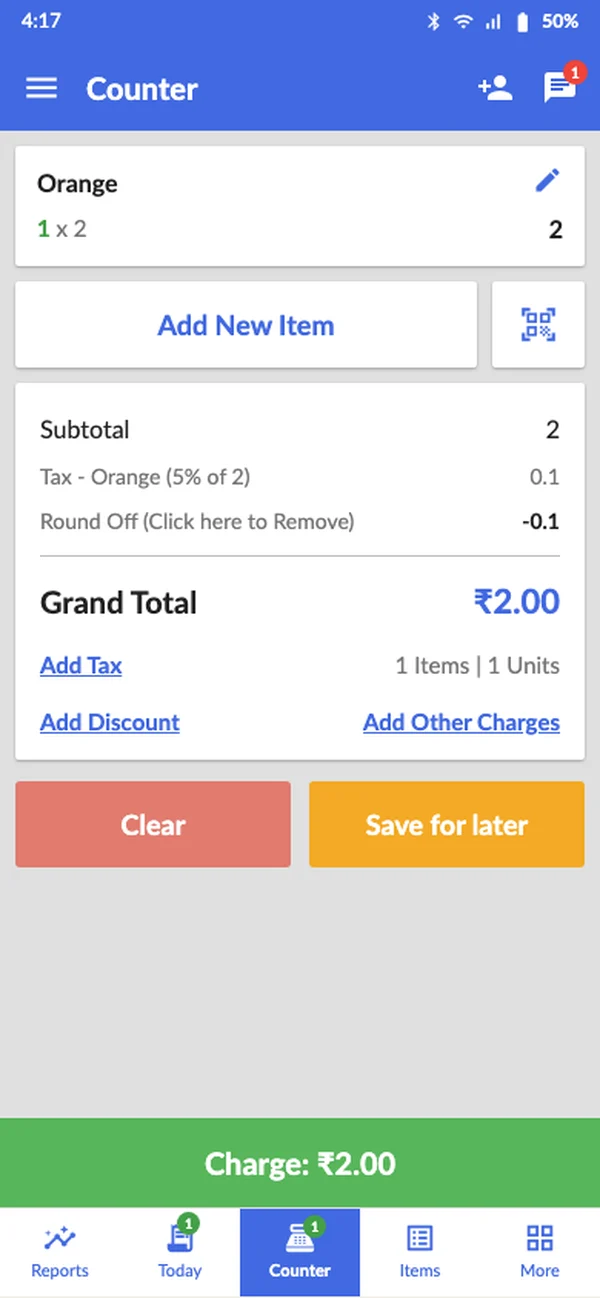
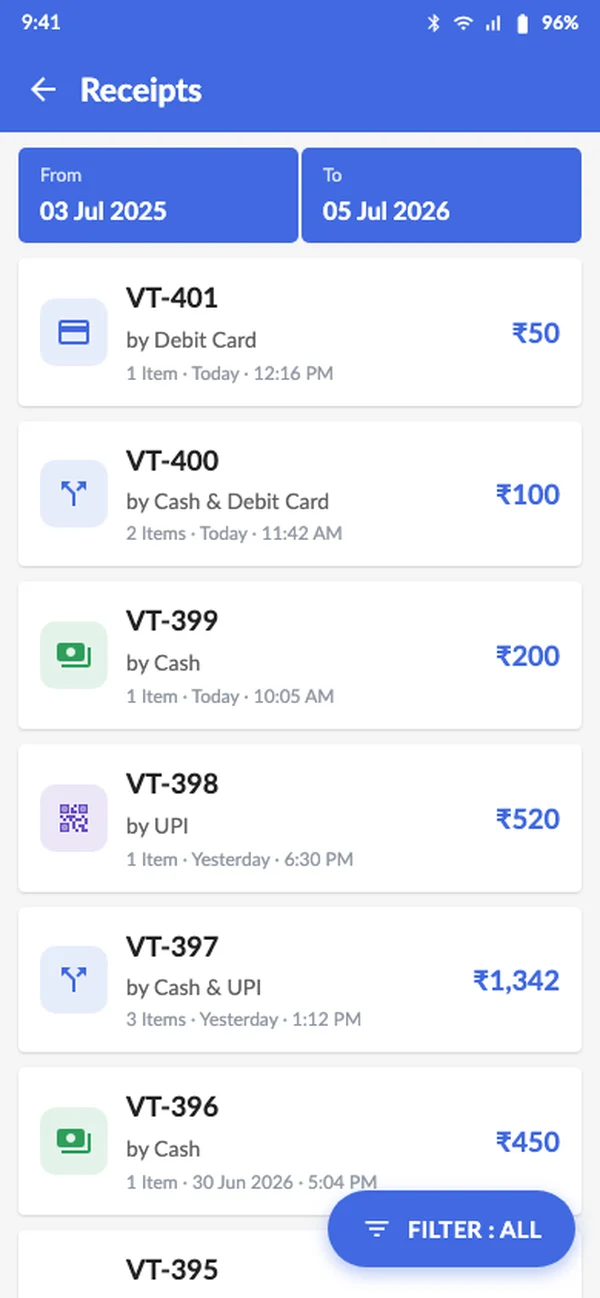
Example: Split Payment, which lets a customer pay one bill in more than one way. Today's screen is rebuilt first, then the new feature is built on top.